My developer desk setup: three monitors, one Monster can
· 7 min read · by Rahul Dhileep Kumar
My developer desk setup, honestly reviewed: three monitors, sticky notes, AI coding tools like Claude Code and Codex, and far too many Monster cans. What helps, what's a joke, and what the research says about screens and sleep.
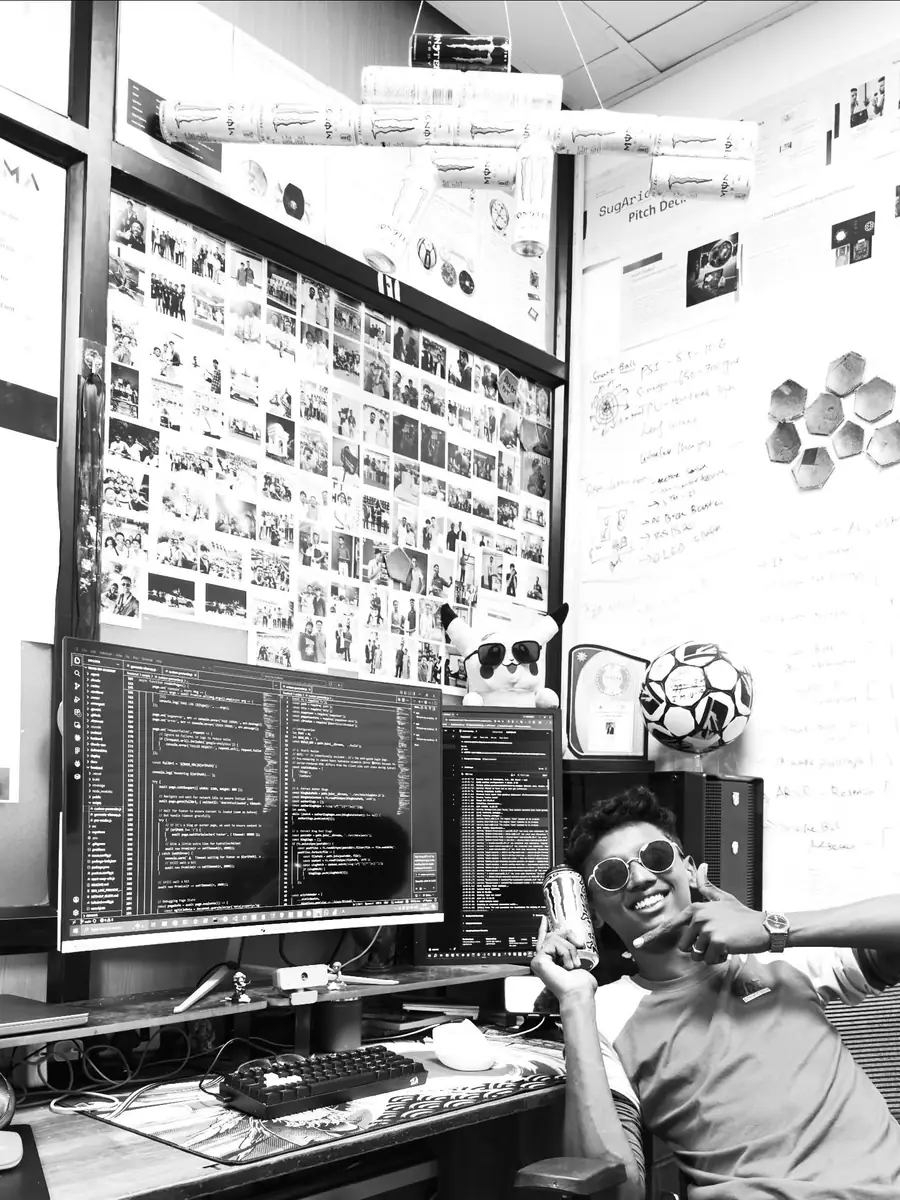
My website says it right at the top.
Three monitors. One Monster can. Zero hours of sleep.
People think it's a joke.
It's not a joke.
It's a description.
So here's a proper tour of my developer desk setup.
What's on it, what actually helps, and what's just a bad habit with good lighting.
I've also looked up what the research says.
Because "trust me" is not a source.
My developer desk setup, in one sentence
Three monitors, sticky notes, AI coding tools and an alarming number of cans.
That's it.
No standing desk.
No mechanical keyboard review.
No mood lighting sponsored by anyone.
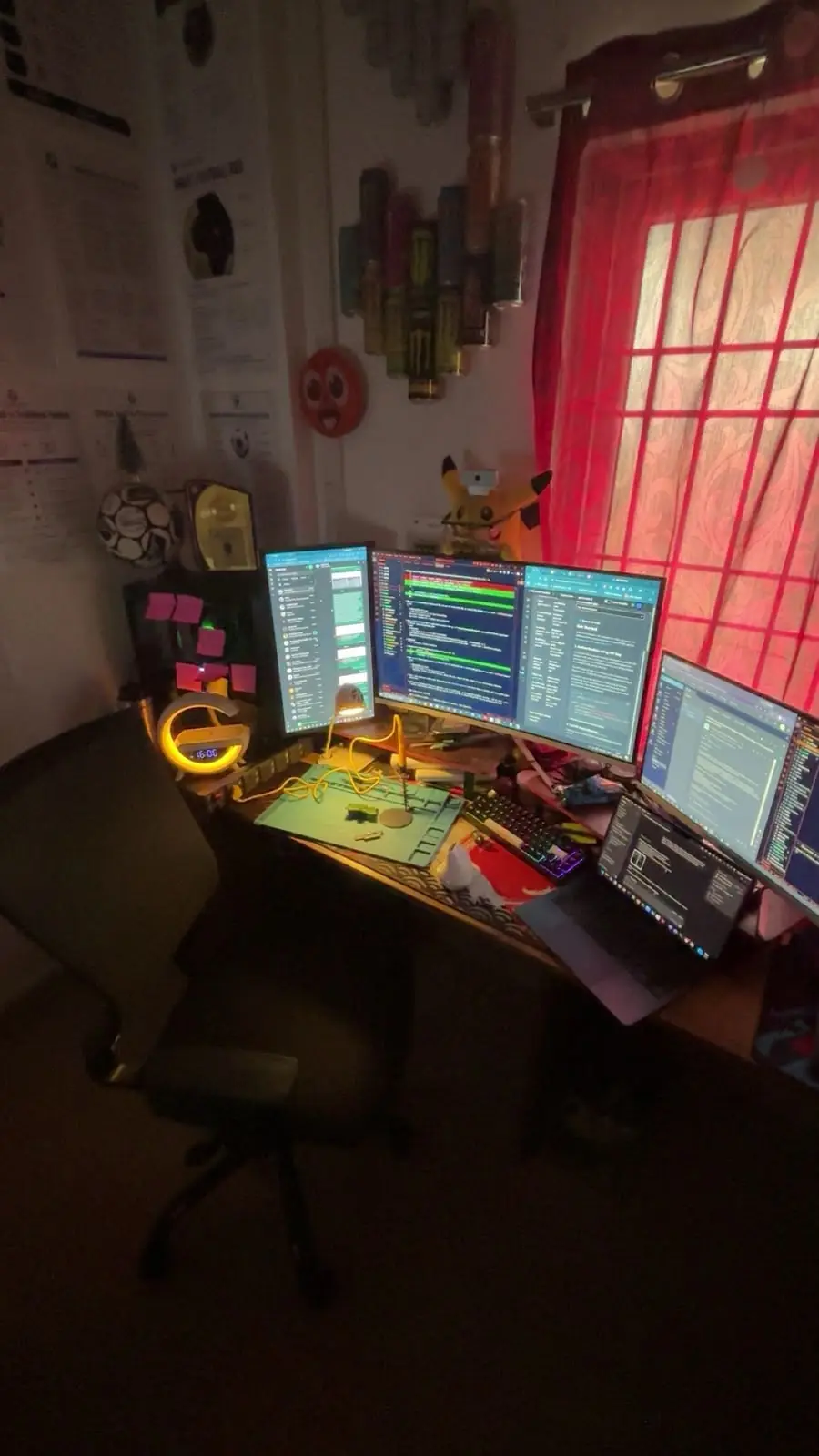
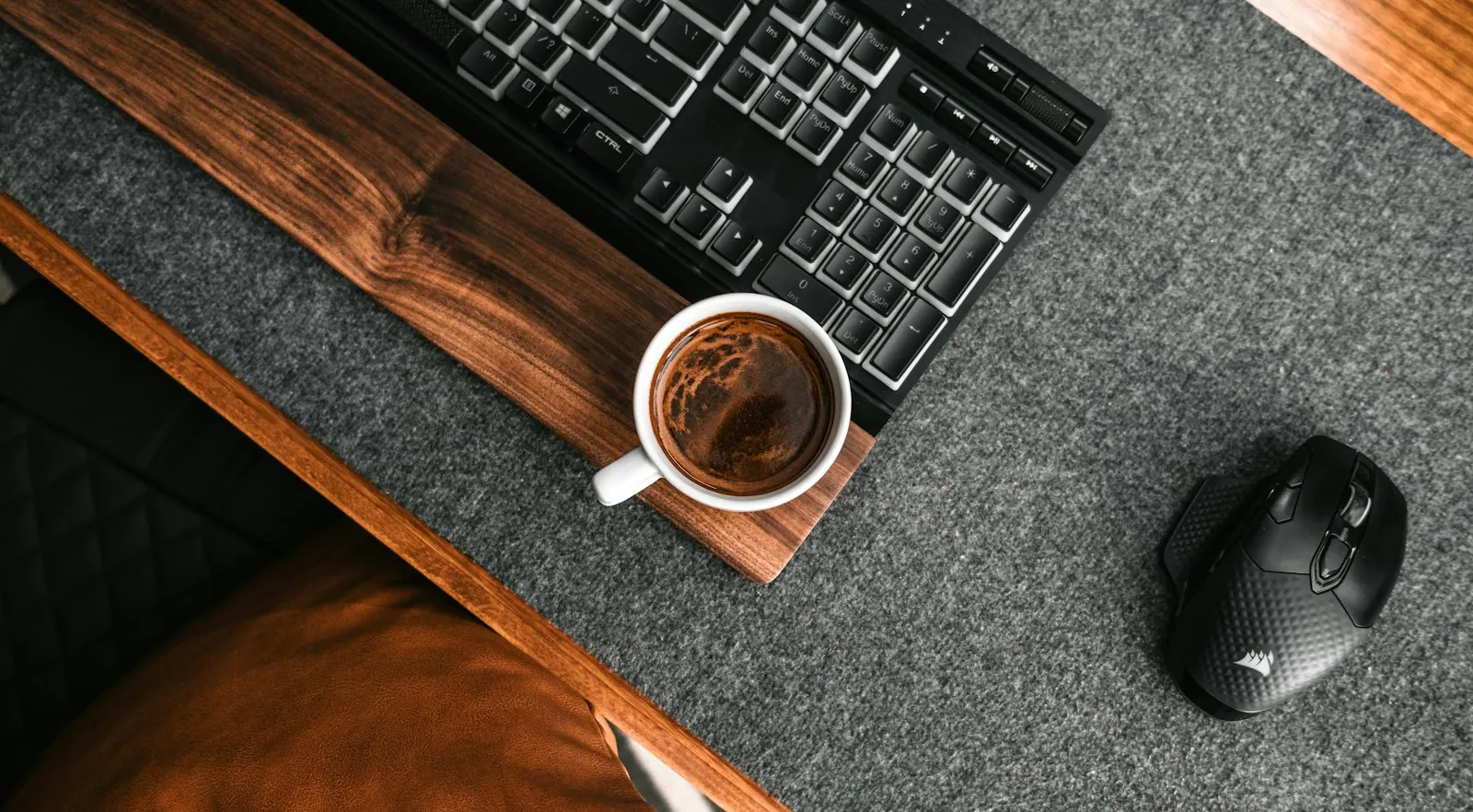
It's the same desk you'll find on my home page.
Tidier in the photo than in real life, probably.
Three monitors, and what the research says
Yes, three.
Do I need three monitors?
Need is a strong word.
One for code.
One for the app I'm breaking.
One for everything else that's on fire.
Once you get used to three, two feels like a punishment.
One feels like a crime.

Is multi-monitor productivity real, or just a nice excuse?
There's some actual research.
A University of Utah study reported by Computerworld timed people doing editing tasks.
Two 20-inch screens beat a single 18-inch screen by 44% on text editing.
On spreadsheet work, the gain was 29%.
Two honest caveats.
The study was paid for by NEC, a company that sells monitors.
Surprise, the monitor company liked monitors.
The other caveat is more interesting.
Gains levelled off as screens got bigger.
On the largest screen, spreadsheet performance actually dropped.
The researcher blamed time spent managing windows.
That matches my theory completely.
More screen helps until you start losing things on it.
I'm at three.
I'm not going to four.
Probably.
Sticky notes: the cheapest task system that works
My most important productivity tool costs almost nothing.
Sticky notes.
Ideas.
Bugs.
Things I promised someone.
Things I'll definitely forget by tomorrow.
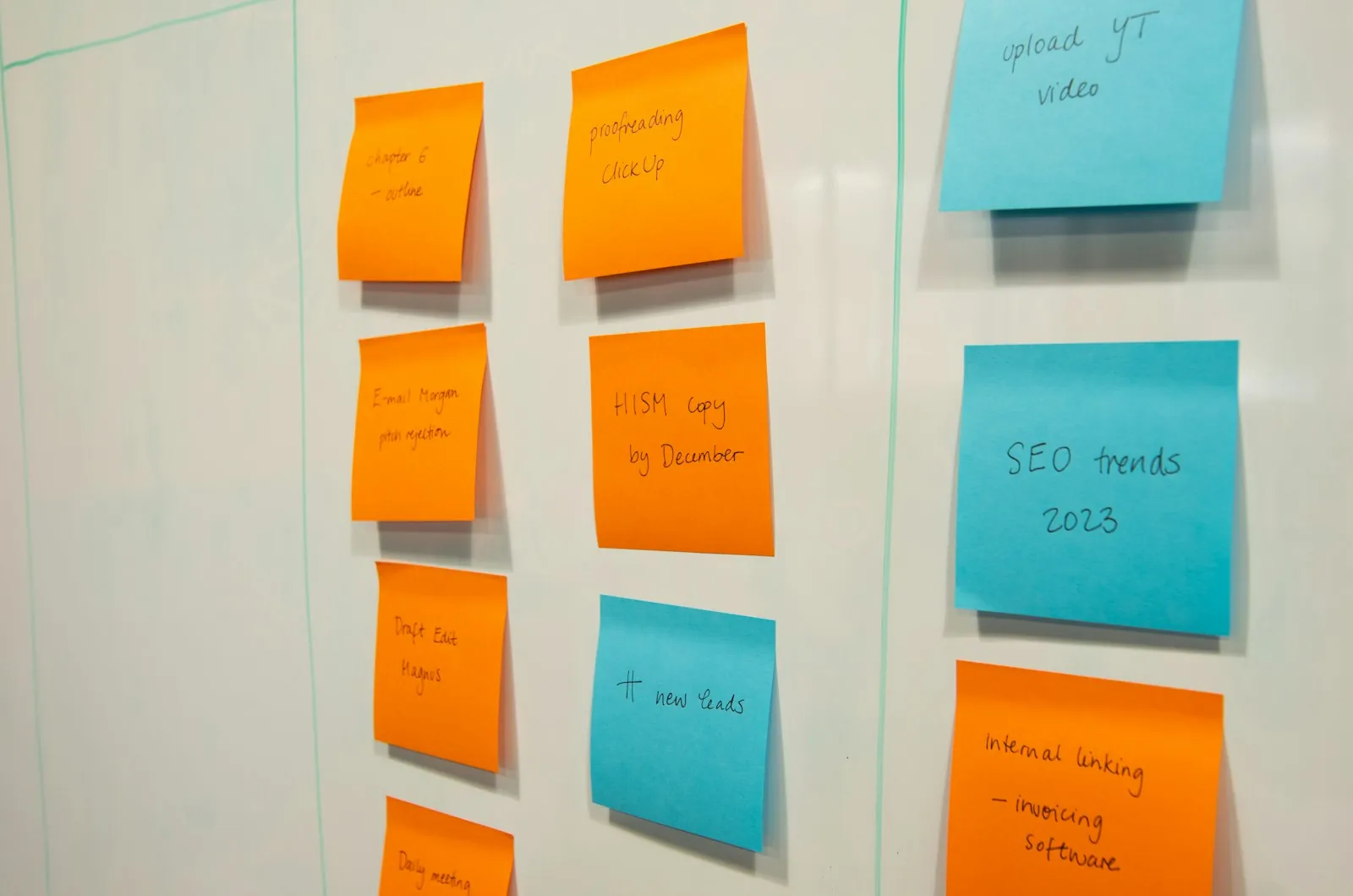
If you want the grown-up version, it's called a kanban board.
Work moves through columns as it progresses.
The simplest version has three: to-do, doing, done.
Here's how I'd set up a simple task system with sticky notes:
- One task per note. If it needs two notes, it's two tasks.
- Write the verb first. "Fix login bug", not "login stuff".
- Three columns, max. To-do, doing, done. Nothing fancier.
- Limit "doing". Three notes, tops. Same rule as the monitors.
- Bin the done notes. Throwing them away is the best part.
Sticky notes have one flaw.
Past you writes them.
Past you has terrible handwriting and zero context.
AI coding tools on the screens
It started small.
A MacBook Air, VS Code and ChatGPT.
That was the first night of building Track My Academy.
I wrote about it in the app that arrived from 2006.
Then we went a bit feral.
We chased every free AI trial we could find, across dozens of email accounts.
The full confession is in dozens of email accounts and zero shame.
Back then we didn't know how to use Claude or Codex properly.
That took a while.
Here's the short version of what these tools are:
- VS Code calls itself "the open source AI code editor". It was there on night one.
- Claude Code is an agentic coding tool that reads your codebase and edits files.
- It runs in the terminal, IDEs, a desktop app and the browser.
- Codex CLI is OpenAI's coding agent that runs locally on your computer.
They write code quickly.
I still decide what's right.
That's the deal.
AI is very fast help, not a replacement for knowing what you want.
Bugs still have my name on them, AI or not.
I learned ownership the hard way in the night I broke production.
The offline coding agent experiment
Using these tools made me curious about building one.
So I built a personal offline coding agent, as an experiment.
It was inspired by Claude Code and Bolt.
The stack was Electron, React, Ollama and the Monaco editor.
Ollama lets you run open models on your own machine.
The Monaco Editor is the code editor from VS Code, packaged for the browser.
The goal was to explore contextual memory limits.
In plain English: how much can a local model remember before it gets confused?
A fair question for a model.
An unfair one for me at 3 a.m.
The Monster cans
Let's address the can in the room.
There are a lot of Monster cans.
Enough to make a wall.
You can see it in the photo above.
At the office, they went one step further.
There's a chandelier made of Monster cans.
I'm not proud of it.
Okay, I'm a little proud of it.
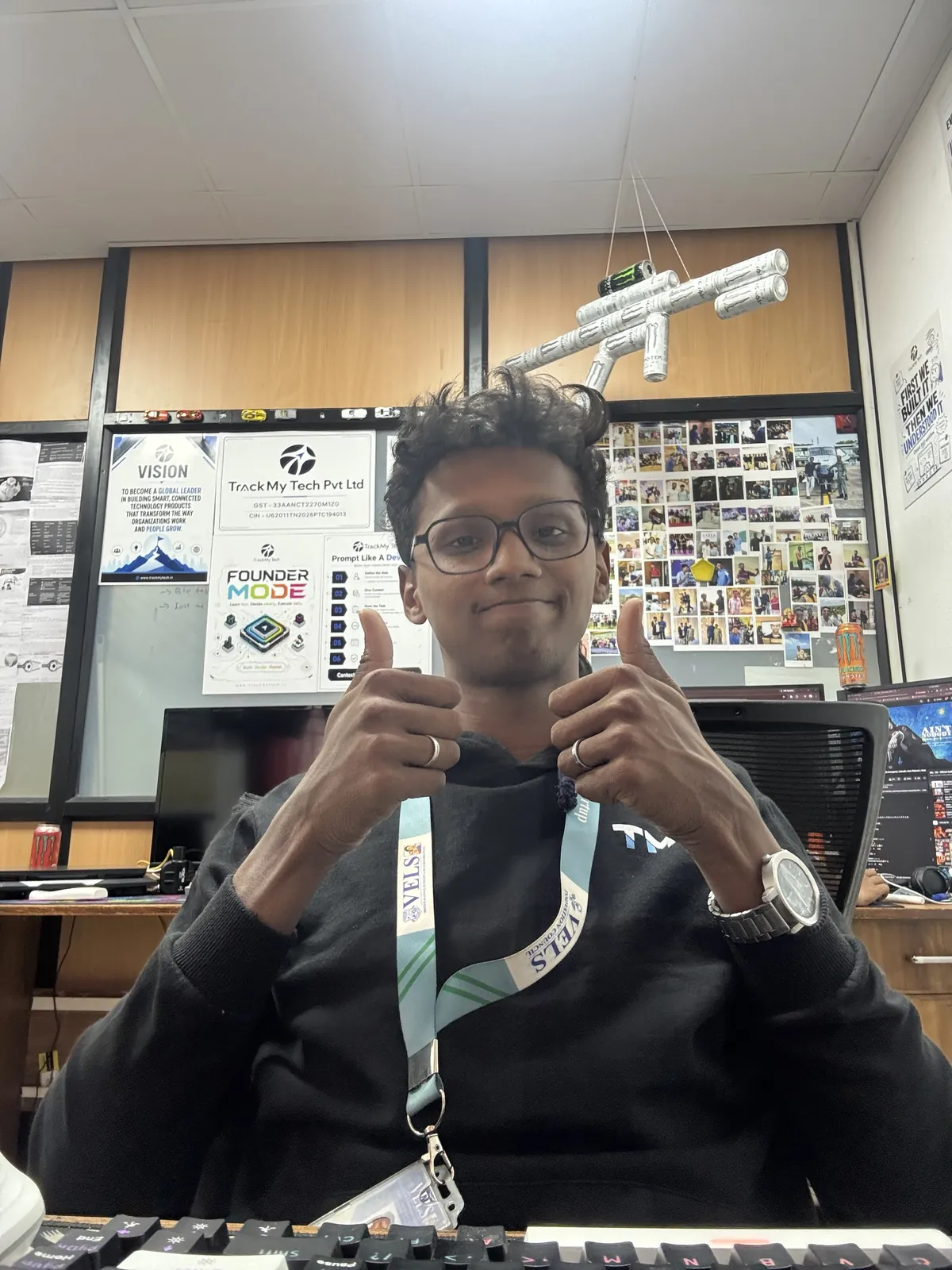
That's it above my head.
Yes, it looks like a rifle.
No, I can't explain the design process.
Is this healthy?
No.
Am I going to pretend I drink green tea?
Also no.
I'm not a doctor, so I'll just point at people who know.
The US FDA says about 400 mg a day is generally fine for healthy adults.
It also says energy drinks vary a lot in caffeine.
Read the label before you trust the can.
The Sleep Foundation on caffeine and sleep is blunter.
Its usual advice is no caffeine for at least eight hours before bed.
Caffeine's half-life can be anywhere from two to twelve hours.
So that evening can is still at your desk at midnight.
Even after you've thrown it away.
Kids, please drink water.
Zero hours of sleep
This one is a slight exaggeration.
Slight.
Between college, the company and everything else, sleep loses.
It always loses.
It never wins a single argument.
The exam-season version of this is in exams, the office and a 1 a.m. gate.
For the record, the Sleep Foundation says adults need at least seven hours.
I'm telling you how it is for me, not how it should be.
Please copy the Sleep Foundation, not me.
What actually matters in a developer desk setup
Here's my unpopular opinion.
Your setup doesn't make you productive.
Your problem does.
I built my first landing page on a MacBook Air.
No second monitor.
No fancy chair.
The monitors came later.
The Monster cans came, unfortunately, immediately.
If you're building a desk from scratch, here's my order:
- A decent editor and an AI coding tool. Both have free starting points.
- A second screen. The research backs this one, with a vendor-shaped asterisk.
- A sticky-note system. Cheap, physical, impossible to close by accident.
- A third screen. Only if two genuinely slows you down.
- Sleep. I've put it last because that's where I put it. Don't.
Start with what you have.
Upgrade when the setup is actually slowing you down.
FAQ
Are three monitors better than two for programming?
Two screens clearly help, according to the University of Utah study.
Beyond that, gains flatten and window juggling creeps in.
Three works for me because each screen has one job.
If you can't name the third screen's job, skip it.
What AI coding tools do developers use in 2026?
The big names are Claude Code, Codex and the AI features in VS Code.
They all read code, write code and run commands to different degrees.
Try a couple on a real project, not a demo.
Then keep the one you actually reach for.
How much caffeine is too much for late-night coding?
I'm the wrong person to ask, as the cans prove.
The FDA's general figure for healthy adults is about 400 mg a day.
The Sleep Foundation suggests stopping eight hours before bed.
If you have any health questions, ask a doctor, not a blog.
Come and see it in use
I build for TrackMy Tech, the sports-tech company I help run.
Its main product is Track My Academy, a sports academy management app.
Want to talk tools, setups or startups?
Book a call with me.
I'll be at the desk.
Obviously.